Guide3 min readDated by the event covered
Reading a storage quotation: endurance, form factor and warranty
A drive quotation is more than capacity and price. How to check DWPD and TBW against the workload, match U.2, E1.S or E3.S to the backplane, and pin down firmware and warranty.
InTechnologies
storage · ssd · data-centre · guide
An enterprise SSD quotation usually leads with capacity and unit price, but the lines that decide whether a drive suits the server sit further down: endurance rating, form factor, firmware and warranty. StorageReview’s enterprise SSD leaderboard, first published on 14 August 2026, shows how widely these vary among current drives. The Micron 9550 MAX is rated at 3 drive writes per day (DWPD) in U.2 and E3.S; the Kioxia CM9-R at 1 DWPD, in E3.S up to 30.72TB and in U.2 up to 61.44TB; the Solidigm D5-P5336 at 0.6 DWPD, or 134.3PBW over a five-year warranty.
Reading the line items
- Endurance. DWPD and TBW express the same budget in two ways. Servnet’s explainer of 27 July 2026 gives Kingston’s conversion, DWPD = TBW × 1000 ÷ (365 × warranty years × capacity in GB), and notes that DWPD is calculated on user capacity after over-provisioning. Size from the workload: in Servnet’s example, a 1,920GB database drive taking about 200GB a day needs roughly 0.10 DWPD, or about 364TB over five years, which it treats as a floor because write amplification can push real NAND wear towards double the host figure. For high-capacity QLC, check which figure is quoted: StorageReview lists the Micron 6600 ION at 1.0 DWPD for sequential writes but 0.075 for 4K random writes.
- Form factor. U.2, E1.S and E3.S are not interchangeable; the drive has to match the chassis backplane and carrier. One model can ship in several: StorageReview lists the Micron 7600 MAX in U.2, E1.S and E3.S, and the Kioxia CM9-R reaches different maximum capacities in E3.S and U.2. Quote the vendor part number, which identifies the form factor, rather than the model name.
- Firmware. OEM-branded drives run firmware built for the server maker’s systems. Intel’s support documentation, for example, states that its SSD tools cannot update OEM firmware, including the custom versions it builds for Lenovo, HP and Dell, and directs users to the system manufacturer. Ask whether each drive is the generic channel version or an OEM part, and which firmware revision it carries.
- Warranty. Seagate’s guidance states that drives bought by OEMs for integration into systems are not eligible for its warranty, and that grey-market drives, meaning new units sold outside their intended region, are not eligible for warranty or returns outside the region where they were first sold. Its warranty checker confirms whether a drive’s status matches what the seller describes.
What it means for buyers
Ask for a quotation that states, for each line, the full vendor part number, the form factor, the DWPD or TBW rating and the warranty term, and check the endurance figure against measured daily writes rather than against the product class. Confirm the backplane type of the target chassis before ordering, and if the drives are going into a Dell, HPE or Lenovo server that expects its own firmware, decide in advance whether the OEM part is required. On delivery, record serial numbers against the invoice and run them through the manufacturer’s warranty checker straight away, so that a regional or OEM restriction surfaces while the return window is still open. InTechnologies can quote Micron, Kioxia, Solidigm and Samsung enterprise SSDs by exact part number, with form factor and warranty terms stated.
Sources
- 01Best Enterprise SSDs in 2026: Lab-Tested Leaderboard2026-08-14
- 02SSD Endurance 2026: DWPD, TBW and Over-Provisioning Explained2026-07-27
- 03Unable to Update the Firmware of OEM SSDs with Intel SSD Management Tools2025-02-28
- 04The second-hand hard drive market: What you need to know and how to spot a counterfeit product2025-02-21
Related in the catalog
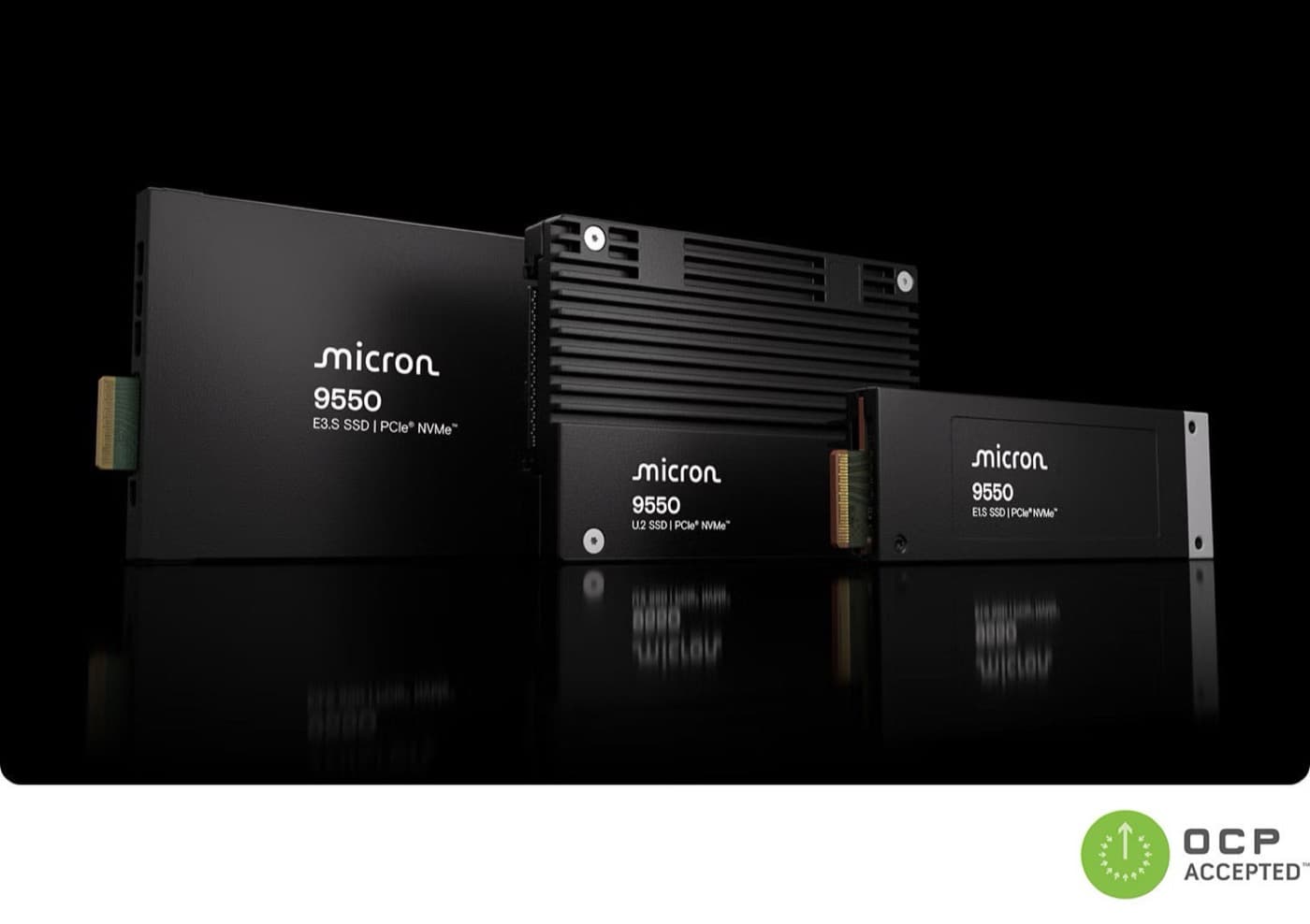
Micron 9550 PRO 7.68TB U.2 PCIe 5.0 NVMe SSD
Gen5 NVMe SSD with 14,000 MB/s read and 3.3 million IOPS for AI and HPC servers
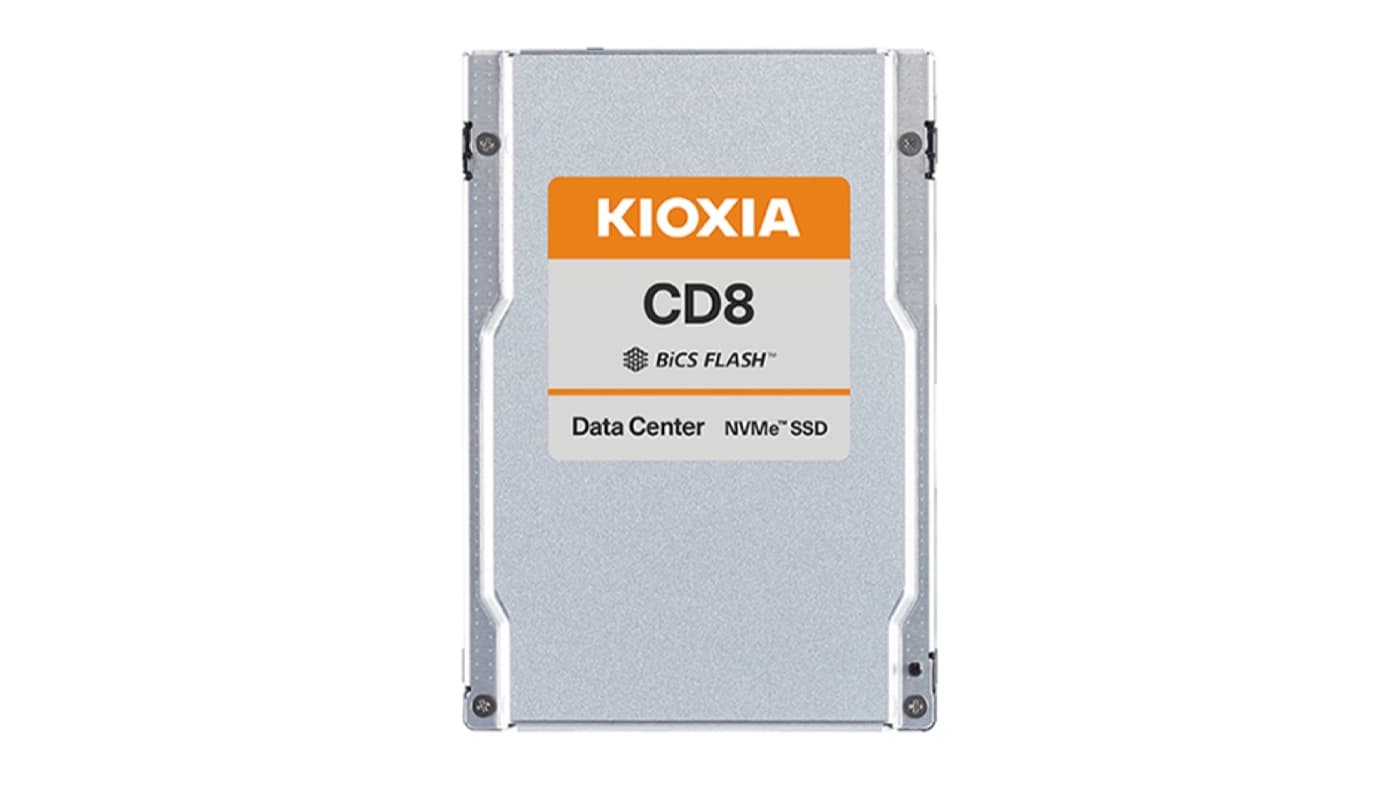
Kioxia CD8-R 7.68TB 2.5-inch NVMe Data Centre SSD
Read-intensive 2.5-inch NVMe SSD on BiCS FLASH TLC with 7,100 MB/s read and 1 DWPD

Solidigm D5-P5336 30.72TB U.2 QLC NVMe SSD
30.72 TB of QLC flash in one 2.5-inch bay for read-heavy storage at hard-disk density